追記(2026.03.27):ctxledgerに役割を譲りました。
追記(2026.03.07):0.4.0から、transaction-aware task managerに移行しました。
追記(2026.03.03): 0.1.0から、journal.jsonl, checkpoint.json, snapshot.jsonを使うようにしました。
ZedでAIエージェントを使って書いてもらってると、GitHub Copilot経由でGPT-5.2-Codexの272Kというのがコンテキストウインドウの最大らしく、まあこの数値が大きくなったところで無限になるわけじゃないし、大きくなればなるほどウインドウ内のフォーカスがブレる気がするので、セッションを跨いでコンテキストを共有したい、と。
で、Ruleとか色々あるので、gitに履歴を取るとかはもちろん可能にしても、やはりMCPサーバを書かないとできないこともあって、書いた。
brew install rioriost/tap/agentops_mcp_serverbrewでインストールして、ZedにMCPサーバを追加する。
{
  "agentops-server": {
    "command": "/opt/homebrew/bin/agentops_mcp_server",
    "args": [],
    "env": {}
  }
}
あと、ツールを許可しないと毎回Yesしないとならないので、適宜allowしてください。
"agent": {
  "tool_permissions": {
    "tools": {
      "create_directory": {
        "default": "allow"
      },
      "fetch": {
        "default": "allow"
      },
      "web_search": {
        "default": "allow"
      },
      "terminal": {
        "default": "allow"
      },
      "mcp:agentops-server:journal_append": {
        "default": "allow"
      },
      "mcp:agentops-server:snapshot_save": {
        "default": "allow"
      },
      "mcp:agentops-server:snapshot_load": {
        "default": "allow"
      },
      "mcp:agentops-server:checkpoint_update": {
        "default": "allow"
      },
      "mcp:agentops-server:checkpoint_read": {
        "default": "allow"
      },
      "mcp:agentops-server:roll_forward_replay": {
        "default": "allow"
      },
      "mcp:agentops-server:continue_state_rebuild": {
        "default": "allow"
      },
      "mcp:agentops-server:session_capture_context": {
        "default": "allow"
      },
      "mcp:agentops-server:repo_verify": {
        "default": "allow"
      },
      "mcp:agentops-server:repo_commit": {
        "default": "allow"
      },
      "mcp:agentops-server:repo_status_summary": {
        "default": "allow"
      },
      "mcp:agentops-server:repo_commit_message_suggest": {
        "default": "allow"
      },
      "mcp:agentops-server:tests_suggest": {
        "default": "allow"
      },
      "mcp:agentops-server:tests_suggest_from_failures": {
        "default": "allow"
      },
      "mcp:agentops-server:commit_if_verified": {
        "default": "allow"
      }
    }
  },
  "default_model": {
    "provider": "copilot_chat",
    "model": "gpt-5.2-codex"
  }
},
次にプロジェクト用のディレクトリを作る。
zed-agentops-init your_projectで、Zedで[Command]+[O]で、your_projectフォルダを開く。
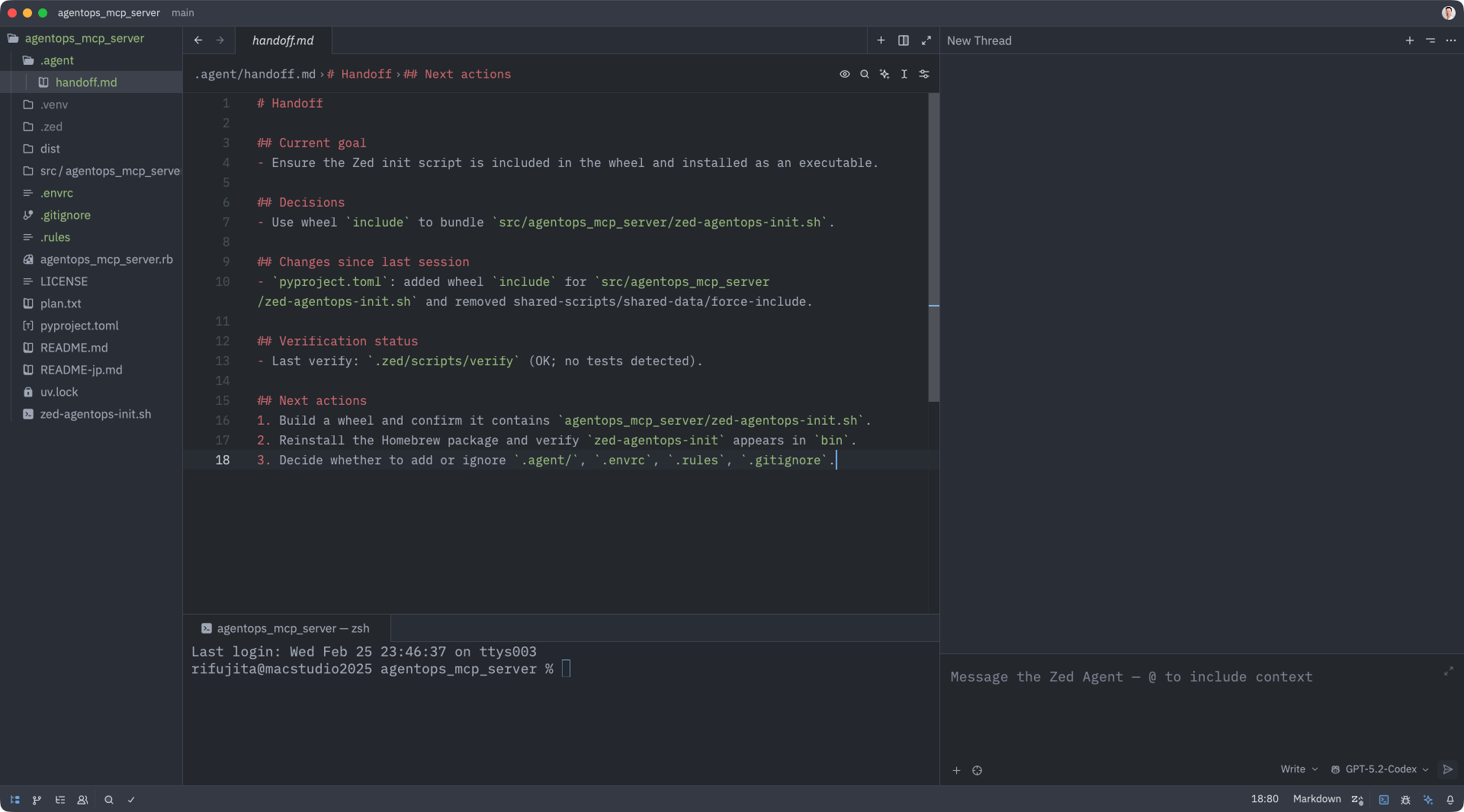
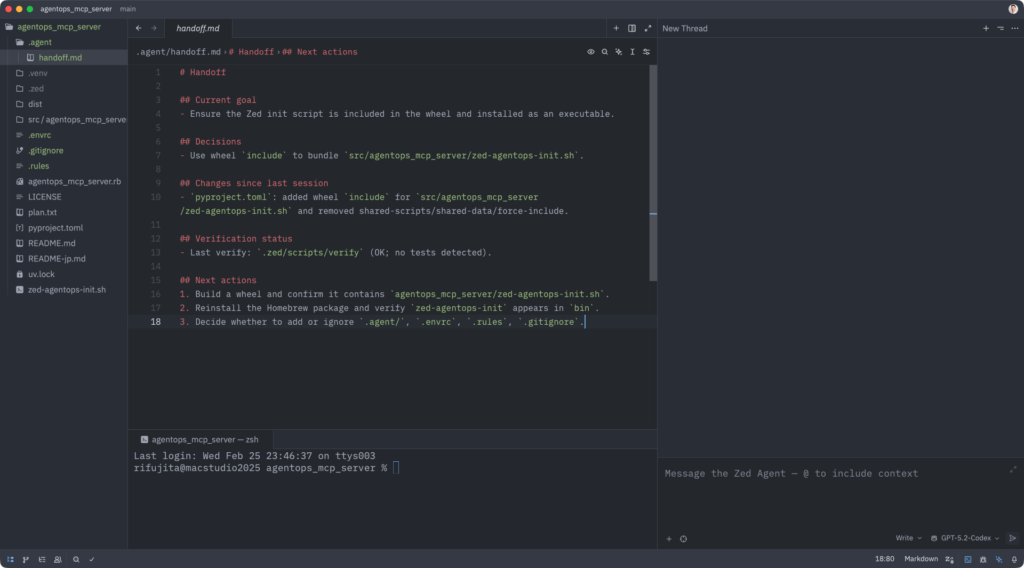
エージェントパネル(下のスクショだと、右下の部分)に、例えばPythonなら「uv initして」「uv add numpyして、main.pyでimport」とかやると、.agent/handoff.md .agent/journal.jsonlに履歴ジャーナルが溜まって、verifyして、git add / commitを自動でどんどんやってくれます。
コンテキストウインドウがリミットいって、新しいセッション(スレッド)を開くと、.agent/handoff.md .agent/journal.jsonl, checkpoint.json, snapshot.jsonを自動的に読み込みます。Zedは前スレを要約して受け渡すはずなんだけど、現状、エラー出まくりでダメです。
もっと豪勢な仕組みにしても良いんだろうけど、Zedと小さなMCPサーバだけで動くので、お手軽だと思われ。